
A tech lead messages you on Slack: "we should move our internal chatbot to the Claude Agent SDK." You ask what they're running today. Single-turn with function calling, plus a retriever. You ask what's broken. "Nothing, but the SDK is better."
The SDK isn't better. It's different.
What the Claude Agent SDK actually does (and doesn't)
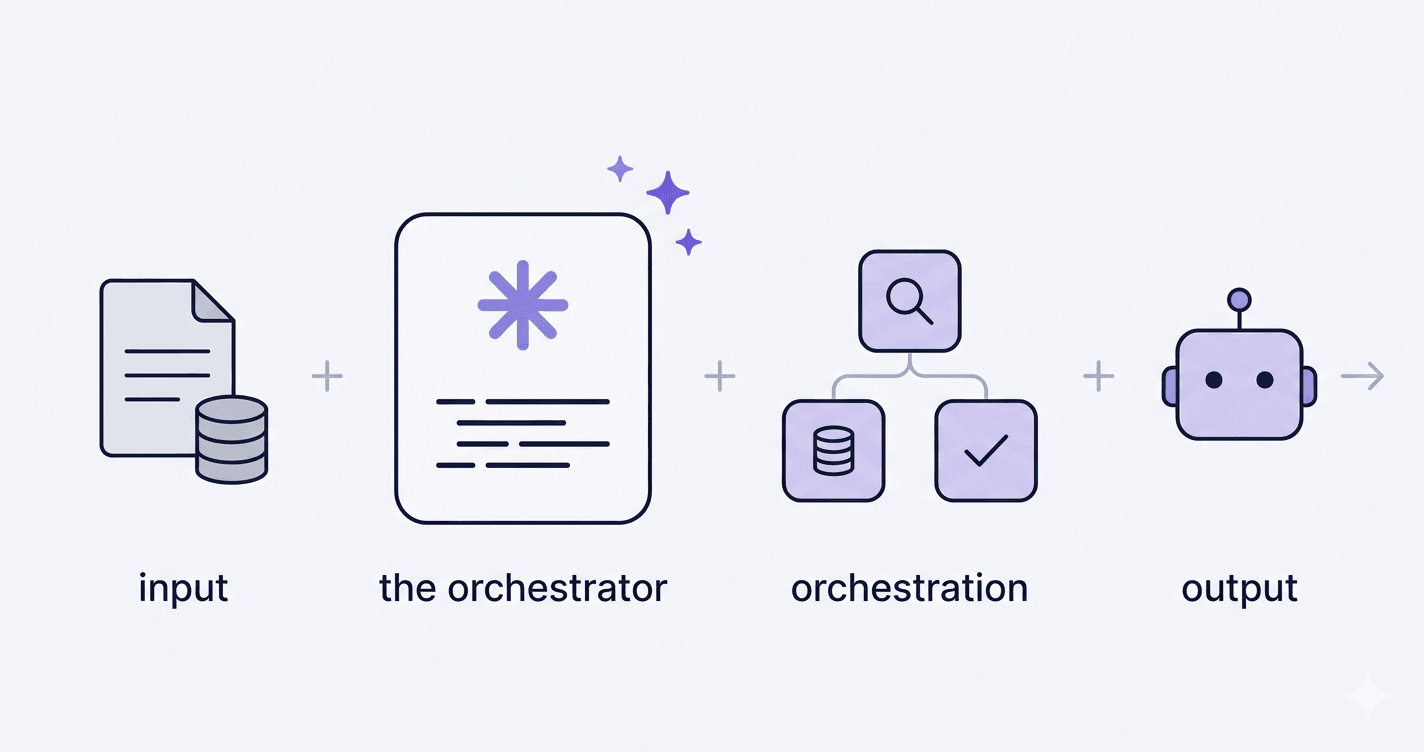
The Claude Agent SDK is an orchestration layer. It handles the agent loop (reason, call a tool, read the result, reason again), it chains multiple tool calls without you writing the glue, it lets you spin up sub-agents with their own scoped context, and it manages context compaction natively when conversations get long.
What it doesn't bring: a smarter model, new capabilities you can't reach via the regular API, or some hidden reasoning boost. Same Claude underneath. Same tools. Same prompts.
The Agent SDK doesn't make Claude smarter. It makes your orchestration lazier.
That's the whole pitch, and it's a real one. But "lazier orchestration" only matters if your orchestration is actually complex enough to be worth replacing.
When the Claude Agent SDK is worth it
Three scenarios where the SDK earns its keep. Not "nice to have" cases. Cases where the SDK saves you weeks of plumbing.
Multi-step workflows with tool dependencies
Picture an agent that reads an uploaded contract, extracts the parties and clauses, queries a CRM to check whether the counterparty already exists, pulls related emails from your archive, then writes a structured summary back to a database. Five tool calls, each one feeding the next, with branching logic if a party isn't found.
Without the SDK, you write the loop, the result parsing, the error handling, the retry logic, the state machine. With the SDK, you declare the tools and let it run. That's where the time saved is real.
Agents with specialized sub-agents
The pattern: a main agent that delegates to specialized sub-agents (one for code search, one for documentation lookup, one for writing). Each sub-agent has its own context, returns a clean result to the parent, and the parent decides what to do next.
Building delegation by hand is doable. Building it cleanly, with proper context isolation and clean returns, is the part that bleeds days. The SDK handles it natively.
Long-running tasks where context blows up
An agent that runs through a workday, accumulating tool calls, intermediate results, partial answers. Without compaction, you hit the context limit halfway through and you start dropping turns or summarizing manually. The SDK does compaction natively: it folds older turns into a running summary while keeping the current state intact. Build that yourself and you've spent two weeks reinventing what the SDK ships out of the box.
When it adds nothing
Three anti-cases. The SDK isn't free. It adds a dependency, an abstraction layer, and a learning curve. If you don't need it, it's pure friction.
Single-turn with function calling
Your chatbot answers a question, calls one tool, returns the result. One round-trip. The SDK adds a loop, a state machine, and a context manager for a problem that doesn't need any of them. Raw function calling on the Messages API is faster to build, easier to debug, and ships in a fraction of the lines.
Deterministic pipeline with fixed steps
You read a document, extract fields, validate them, write to a database. Same five steps every time, no branching, no decision-making by the model. That's a pipeline, not an agent. A Python script wins. n8n wins. Anything declarative wins. If you want to compare orchestration tools for that kind of workflow, my n8n vs Zapier vs Make breakdown covers the trade-offs. Forcing the SDK on a deterministic flow gives you all the overhead of an agent for none of the benefit.
You already have custom orchestration that works
You wrote your own agent loop two years ago. It runs in production, it's tested, your team knows it. Migrating to the SDK because Anthropic released it is free technical debt. The SDK is the right starting point for new projects. Migrating a working system just to be on the latest framework is the kind of decision that gets justified after the fact, not before.
The classic trap: rebuilding the SDK by hand
I see two opposite mistakes, equally common.
The first: teams writing 800 lines of agent loop, context management, and tool dispatch when the SDK does the same thing in 50. They started before the SDK existed, kept building, and now they're maintaining a janky in-house framework instead of shipping features. Migration is annoying but it pays off in months.
The second: teams forcing the SDK on a single-turn use case because "it's the new way." They end up debugging abstractions that solve problems they don't have. The SDK assumes complexity. If your problem isn't complex, the SDK becomes the complexity.
The right tool matches the actual complexity of your problem. Not the complexity you project onto it.
Both mistakes come from the same place: choosing the tool before defining the problem.
My 3 decision questions
Before picking the SDK over raw function calling, three questions:
- Does my agent chain more than 2 dependent tool calls per task?
- Do I need sub-agents or long-running context management?
- Does my existing custom code cost more to maintain than an SDK migration?
If two out of three are yes, the SDK pays off. Otherwise raw function calling on the Messages API wins. Less abstraction, less dependency, less surface area to debug.
The real question
The SDK conversation is usually a proxy for the wrong question. People ask "SDK or no SDK?" when they should ask "agent or pipeline?". 80% of the projects I get sent are pipelines disguised as agents. Five fixed steps, no real reasoning, no branching, but everyone calls it an agent because LLMs are involved. That's where the budget goes wrong, not in the SDK choice.
If you're weighing a Claude Agent SDK rollout and you're not sure whether you actually need an agent, I run that diagnostic in 30 minutes. Head to the Claude consultant page to see how I work, or jump straight to the contact form if you'd rather skip the preamble.
Want to ship this in your company?
If you want a working multi-step Claude agent integrated with your internal tools, scoped and delivered in 2 to 3 weeks.