
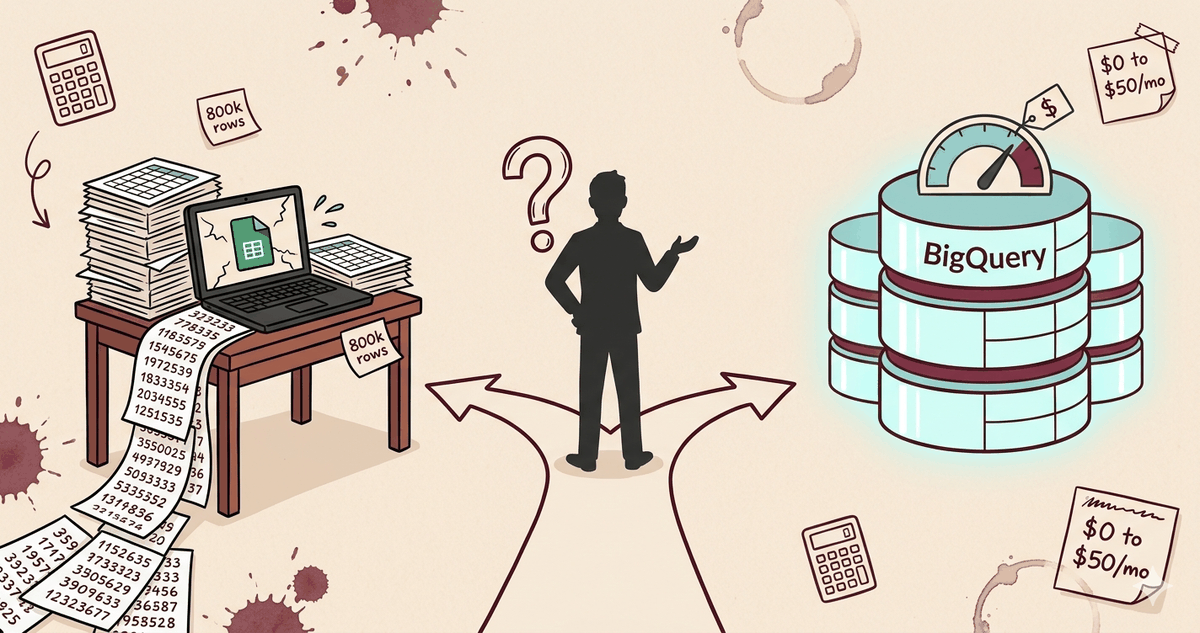
The company's master Sheet starts crawling at 800k rows. Someone drops "BigQuery" in a meeting like a magic word. The owner opens the GCP console, sees the pricing page, panics, closes the tab. A week later he reads "BigQuery is free up to 1 TB" on a blog and now nobody knows whether to pull the trigger or stay put.
This is the most common BigQuery for SMBs question I get, and the answer is rarely a flat yes or no. It depends on what you store, how many sources you join, and whether anyone on your team writes SQL. Let me unpack it.
What BigQuery actually is (and what it isn't)
BigQuery is not a classical database. You don't put it behind a production app to serve user queries. It's a data warehouse, built by Google for SQL analysis on large volumes, and the architecture is fundamentally different from Postgres or MySQL.
Storage is cheap (around $0.02 per GB per month for active storage). Compute is billed per query, $6.25 per TB scanned on the on-demand model. The free tier is real and underrated: 10 GB of storage and 1 TB of queries per month, every month, no expiration.
That free tier is what makes the BigQuery vs Sheets comparison interesting for small teams. You're not gambling on a $2,000 cloud bill. For most SMBs, the right monthly BigQuery cost is zero, as long as you don't write garbage queries.
When BigQuery for SMBs clearly pays off
Five situations make the call easy.
Native GA4 export. Since Universal Analytics died, BigQuery is the only clean way to get raw analytics data out of GA4 at full granularity. The export is free, the schema is documented, and you can finally answer questions the GA4 UI dodges (multi-touch attribution, cohort retention, funnel drop-off by segment). If you run GA4 and care about analytics, this alone justifies the setup.
Multi-source reporting. CRM data in HubSpot, payments in Stripe, ad spend in Google Ads, ops data in Sheets. Joining all of that in Excel is a nightmare. In BigQuery, it's four LEFT JOINs on a customer ID. That's the data warehouse SMB use case in one sentence.
E-commerce with millions of events. Shopify with high traffic, custom checkout funnels, server-side tracking. Once you cross a few million events per month, Sheets and Looker Studio direct connectors choke. BigQuery handles it without flinching.
Sheets cracks past one million rows. The hard limit is 10M cells per Sheet, but in practice things degrade hard around 1M rows. Filters lag, formulas time out, collaborators get kicked out. That's the symptom that pushes most SMBs over.
Multi-year history without overloading prod Postgres. Your prod database doesn't need five years of order history. Push cold data to BigQuery, query it for analysis, keep the prod DB lean.
When it's overkill
Same number of cases on the other side, and they matter more because the cost of a wrong migration isn't just money, it's six months of internal debate.
Single source, low volume. If your data lives in one Postgres or one CRM, and Sheets exports cover your reporting needs, BigQuery adds complexity without solving anything. Stay on Sheets, or query Postgres directly with Metabase.
No SQL skills in-house. BigQuery is SQL or nothing. If nobody on your team writes a GROUP BY without Googling it, the warehouse will sit empty. The tool doesn't change the skill gap, it exposes it.
The real goal is a simple dashboard. Looker Studio plugged into a Sheet does 80% of what most SMBs ask of a "BI tool". You don't need a warehouse to display monthly revenue.
No scale problem today. Migrating preemptively because "we'll need it eventually" is how you burn three months on a project that delivers no business value. Wait for the pain.
The cost trap nobody warns you about
The free tier lulls you. You set up GA4 export, run a few queries, see $0 on the bill, relax. Then someone writes SELECT * FROM events_* on a 50M-row table without a WHERE clause and the next monthly bill is $340.
This is the silent failure mode of BigQuery cost management for small teams. The pricing model rewards discipline and punishes laziness, and most SMB teams discover it the hard way.
Three rules cover 95% of the risk.
Partition your tables by date and cluster by your most-filtered column (customer_id, event_name, whatever you join on most). Past 10M rows, this is non-negotiable. A partitioned query scans the relevant date range only, not the full history, and the cost difference is often 50x.
Never write SELECT * on a wide table. Pick the columns you need. BigQuery is columnar, you pay for what you scan, and * scans everything.
Set budget alerts on day one. GCP lets you cap monthly spend or trigger an alert at $20, $50, $100. Do it before you write your first query, not after the first surprise invoice.
The free tier covers 80% of SMBs. The 20% who blow past it just forgot to partition.
Before you migrate: know what you store and why
Migrating a mess to BigQuery is just a more expensive mess, with SQL on top. Before you move anything, you need to know which datasets actually drive decisions, which are duplicates, which haven't been touched in a year. That's the audit step, and skipping it is the most common reason migrations stall after month two.
If you haven't done that mapping yet, start with a data audit before touching the warehouse.
Typical stack for an SMB moving to BigQuery
This is the setup I see working most often for companies under 100 employees.
Sources are usually a CRM (HubSpot or Pipedrive), Stripe for payments, GA4 for web analytics, and a few operational Sheets that won't die. For ingestion, Airbyte (self-hosted or cloud) and Fivetran are the two real options, with n8n stepping in for custom API pulls that don't have a connector. If you have a data analyst, dbt handles modeling and turns your raw tables into clean marts. Visualization is Looker Studio, free, with a native BigQuery connector that just works.
Total monthly cost for a typical SMB on this stack: $0 to $50 if you stay disciplined on queries. Add $100 to $300 if you go with Fivetran instead of self-hosted Airbyte. That's the realistic BigQuery free tier story for small teams that respect the rules.
So, should you migrate?
BigQuery doesn't solve a data problem. It solves a scale or a join problem.
If your data fits in one Sheet and one person looks at it on Mondays, skip it. You'll spend more on the migration than you'll save on insights. If you're juggling five sources, doing manual exports every Friday afternoon, and your reporting takes two days when it should take two minutes, this is probably the right time.
If you're not sure which side of the line you're on, that's exactly what a data consultant is for. Happy to spend 30 minutes mapping your stack before you commit, book a call and we'll figure out whether BigQuery is your next move or a distraction.
Want to ship this in your company?
If you want your multi-source data centralized in BigQuery, connected to a live dashboard, with clean SQL logic your team can actually maintain.