
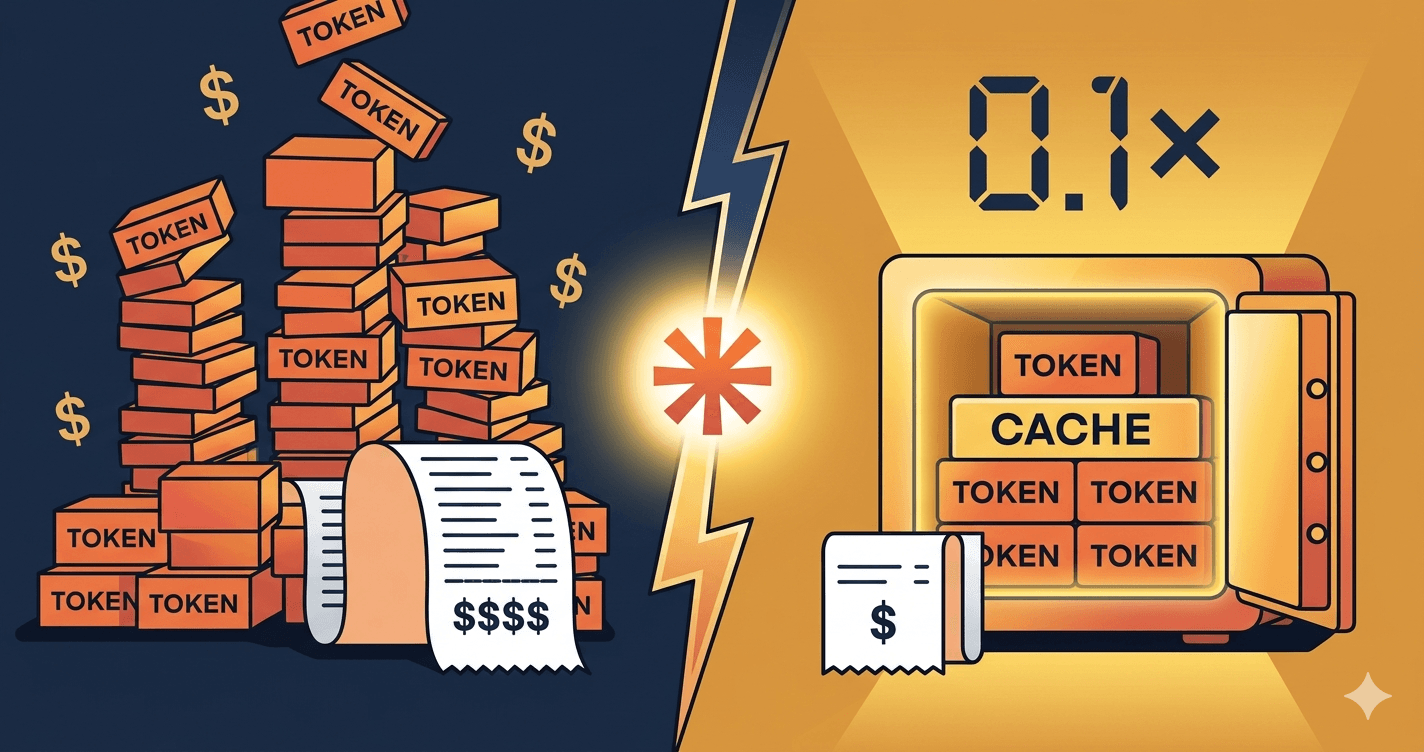
You ship your first agent built on the Claude API. A month in, you open the Anthropic console to check the spend. It's not catastrophic, but it's two to three times what you'd budgeted. You scroll the logs, you look at the calls, and the answer jumps out. The same fifteen thousand tokens of system prompt, tools, and conversation history go up the wire on every single call. You're paying full price, every time, for context that never changes.
That's the bill that prompt caching erases.
Why prompt caching exists
LLMs are stateless. Every API call is processed in isolation, with no memory of the previous one. Which means every time you send a message to Claude, it reparses the entire input from scratch: your system prompt, your tools schema, the few-shot examples, the conversation history, the documents you attached.
For a one-shot question, that's fine. The input is short, you pay once. For a chatbot, an agent, or anything that runs more than two turns, the math gets ugly fast. Eighty to ninety percent of the tokens you send on call number ten are identical to those of call number one. You're paying full input price, ten times, for the same content.
Anthropic's answer: cache the stable parts. The first time Claude sees a chunk of context marked as cacheable, you pay a small premium to write it (1.25x the input price for a 5-minute cache, 2x for a 1-hour cache). Every subsequent read of that cache costs you 0.1x the input price. Ten times cheaper than a fresh read.
The math is brutal in your favor. If 80% of your prompt is cacheable and you make 10 calls in a session, your input cost drops by roughly 3 to 5x. Without changing your prompt logic, your model, or your code architecture. Just one parameter on the right blocks.
How it works in practice
The mechanic is simple, the constraints are real.
You attach a cache_control marker to a content block. Everything before that marker (in the canonical request order: tools, then system prompt, then messages) becomes the cached prefix. On the next call, if Claude sees the same prefix, it pulls from cache instead of reprocessing.
A few rules to know:
- Maximum 4 cache breakpoints per request. You pick where the cuts go. Usually one after the tools, one after the system prompt, one or two inside long messages.
- TTL of 5 minutes by default, 1 hour with the beta header
extended-cache-ttl-2025-04-11. The 5-minute window covers most chatbot sessions. The 1-hour window is built for agents that run all day on the same context. - Mandatory order: tools, then system, then messages. Cacheable blocks must come first. If you put a dynamic value before your stable system prompt, the system prompt isn't cacheable anymore.
- Minimum tokens to cache: 1024 for Sonnet and Opus, 2048 for Haiku. Below that, Anthropic refuses to cache. Not worth the overhead.
- A cache miss means you repay the write. If your TTL expires or your prefix changes by even one token, the next call writes the cache from scratch.
The 1-hour TTL is worth the extra write cost only if you're sure to hit the cache enough times during the hour. For an internal agent that runs queries throughout the workday on a stable knowledge base, it's a clear win. For a chatbot with sporadic usage, stick with 5 minutes.
The 4 cases where it really pays off
Chatbot with long system prompt
Your assistant ships with 3,000 tokens of instructions, a defined persona, and 8 few-shot examples covering the trickiest cases. That block doesn't move. Cache it. Every user turn after the first one reads the prefix at one-tenth the price. On a chatbot that handles 200 conversations a day with 5 turns each, you've just removed 80% of the input bill.
RAG: source documents stable across the session
A user asks 6 questions in a row about the same internal procedure document. Without caching, you re-send the document on each question. With caching, the document goes up once, gets cached, and the next 5 questions read it for one-tenth the price. The architectural pattern: load the documents at session start, mark them with cache_control, then layer the user questions in the message thread.
Multi-turn agent: tools list and history grow, prefix stays stable
An agent has a list of 15 tools (each with a JSON schema, sometimes a thousand tokens combined), a system prompt that frames its behavior, and a conversation history that grows turn by turn. The tools and system prompt don't move. Cache them. The history can also be cached up to a sliding breakpoint that you push forward as the conversation grows. The bill stops scaling linearly with the number of turns.
Batch processing: same prompt template, different data
You're processing 10,000 customer reviews to extract sentiment, topics, and action items. Each call uses the same instructions, the same few-shot examples, the same JSON schema, but a different review at the end. The template is stable. Cache it. The first call writes the cache, the next 9,999 read it. The savings on a batch like that are not 30%, they're 70 to 80%.
When it's NOT worth it
Below 1024 tokens of cacheable content (2048 for Haiku), Anthropic won't cache. You can mark the block, nothing happens.
For one-shot calls with no repetition in the next 5 minutes or 1 hour, the cache write costs you 1.25x without ever paying off. You lose money.
If your prompt starts with a dynamic value (a timestamp, a user ID, a generated session ID) and your stable content comes after, the cache breaks at every call. The fix is structural: put the stable content first, the dynamic content last. Sounds obvious, but I see it missed often in code that wasn't designed with caching in mind.
The 3 classic traps
Putting dynamic content before the breakpoint. A timestamp injected at the top of your system prompt "for traceability". A request UUID prepended to the tools list. Anything that changes call to call and sits before a cache_control marker invalidates the entire prefix. Read your prompt assembly code with this question in mind: from the start of the request to my breakpoint, is every byte identical to the previous call? If not, your cache is dead.
Forgetting that the 1-hour TTL is beta and more expensive to write. The 1-hour cache costs 2x the input price to write, versus 1.25x for the 5-minute one. If your hourly hit rate doesn't justify it, you're worse off than with the default cache. Run the math before flipping the header. Number of expected reads per hour times the savings per read versus the extra write cost. If the result isn't clearly positive, stay on 5 minutes.
Counting on cache for latency. Prompt caching mostly cuts cost. Latency improves too on cached prefixes (less work for the model on the prefill phase), but it's not the main lever. If your users complain about response time, prompt caching helps a bit, but the real fixes sit elsewhere: streaming, smaller models for simple steps, parallel tool calls. Don't sell prompt caching internally as a "speed feature". Sell it as a cost feature, deliver speed as a side effect.
Going further
Prompt caching isn't a niche optimization for advanced developers. It's the parameter that turns a Claude POC from "too expensive to scale" into "profitable in production".
A Claude agent without prompt caching is a Ferrari running on premium gas when regular would do. Same engine. A third of the bill.
Most teams I see ship a first version, watch the costs climb, and conclude that "the API is too expensive". They never opened the cache settings. Two days of code refactoring divides the monthly invoice by three. That's the difference between a project that gets killed in committee and one that ships.
If you want to dig into Claude positioning more broadly (use cases, deployment, costs at scale), the Claude freelance consultant page covers it. If you're still hesitating between Claude and GPT for your use case, the Claude vs GPT comparison gives you the real decision criteria, beyond benchmarks.
Let's talk for 30 minutes if you want to audit a Claude project that's costing more than expected. No pitch, no demo. A look at your prompt structure and the savings you can pull out of it.
Want to ship this in your company?
If you want a Claude agent built with prompt caching from day one, so the economics hold at scale before it hits production.